The Molt Cloud Blog
AI assistant tips, tutorials, and guides for WhatsApp, Telegram, and Discord
Latest Posts
 AI on Messaging
Best AI Assistants for Messaging Apps in 2026: WhatsApp, Telegram, Discord and Beyond
The WhatsApp bot ban changed everything. This is the definitive, up-to-date comparison of every way to use AI on WhatsApp, Telegram, and Discord in February 2026 — with honest assessments of Meta AI, Molt Cloud, Telegram bots, Discord bots, self-hosted options, and Poe.
 AI on Messaging
Claude on WhatsApp Made Easy: Zero Setup, Zero Coding, Ready in 60 Seconds
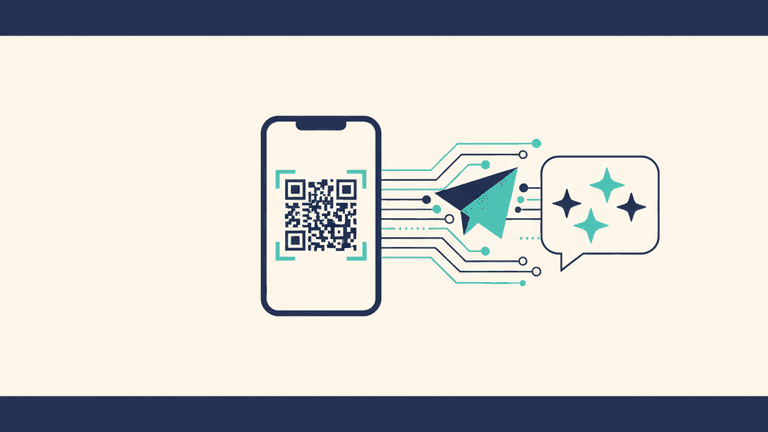
Forget complicated setups. Getting Claude AI on WhatsApp takes exactly three steps: sign up, scan a QR code, and start chatting. No coding, no API keys, no technical knowledge. Here's exactly how to do it.
 AI on Messaging
WhatsApp AI Bot Ban Explained: What Happened and What You Can Still Do (2026)
On January 15, 2026, Meta pulled the plug on every third-party AI chatbot running on WhatsApp's Business API. ChatGPT, Perplexity, Copilot, Luzia — all gone overnight. Here's what actually happened, why Meta did it, and what still works.
 AI on Messaging
WhatsApp AI Bots Compared: Meta AI vs ChatGPT vs Claude (2026)
AI on WhatsApp is no longer experimental. Meta AI is built in, ChatGPT has third-party integrations, and Claude is available through Molt Cloud. Here's how they actually compare in features, privacy, cost, and response quality.
 AI on Messaging
How to Use Claude AI on WhatsApp, Telegram, and Discord (2026 Guide)
Want Claude AI on your favorite messaging app? This step-by-step guide shows you how to set up Claude on WhatsApp, Telegram, and Discord in under a minute. No coding required.
Try Claude AI on WhatsApp — Free
Get 50 free messages. No credit card required. Deploy in 60 seconds.
Try Free — 50 Messages